
TUI
Run Nightward without arguments to open the interactive terminal app:
nwReview a saved report without scanning again:
nw tui --input scan.jsonFixture walkthrough
Nine sections from one scrubbed report.
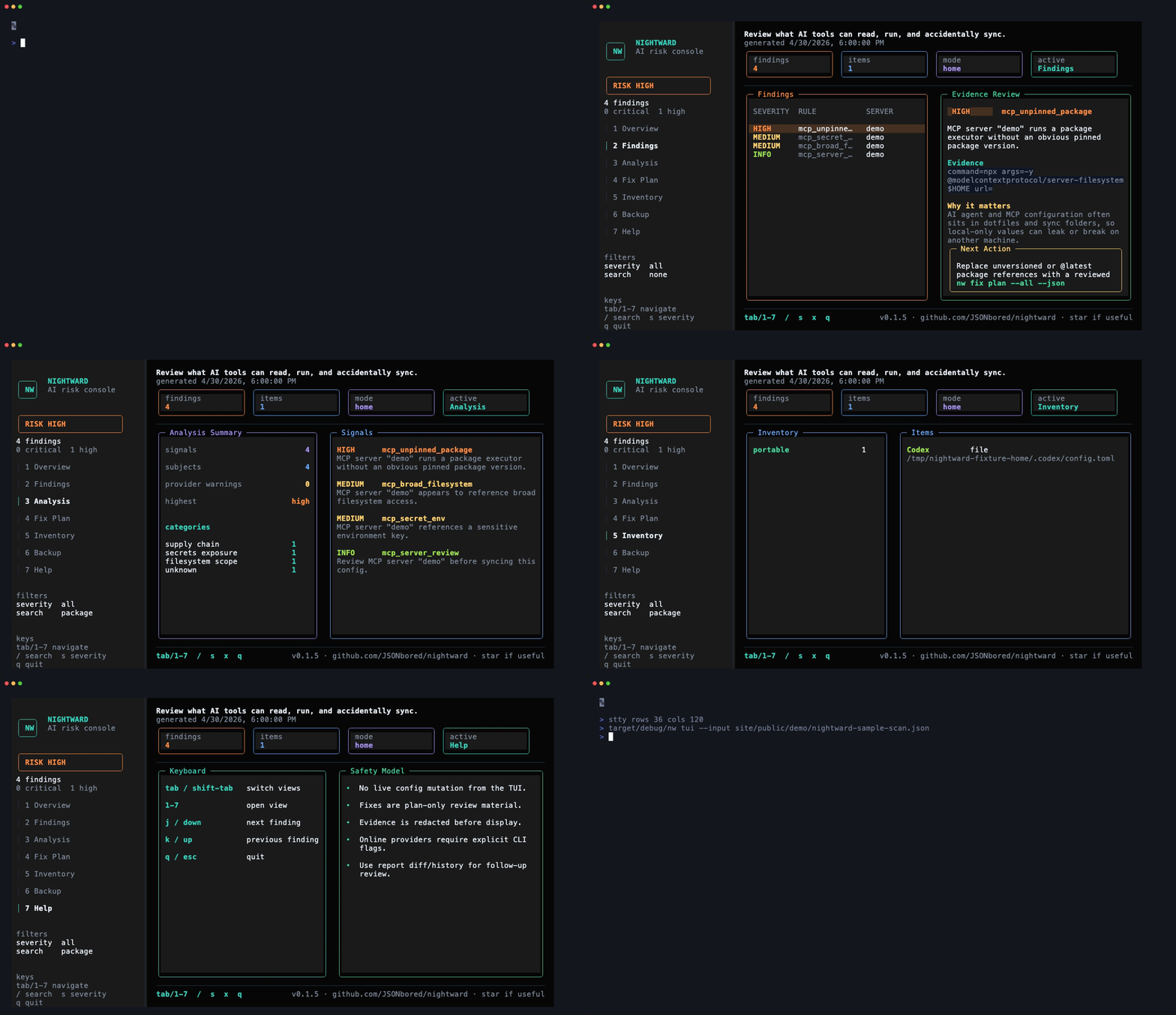
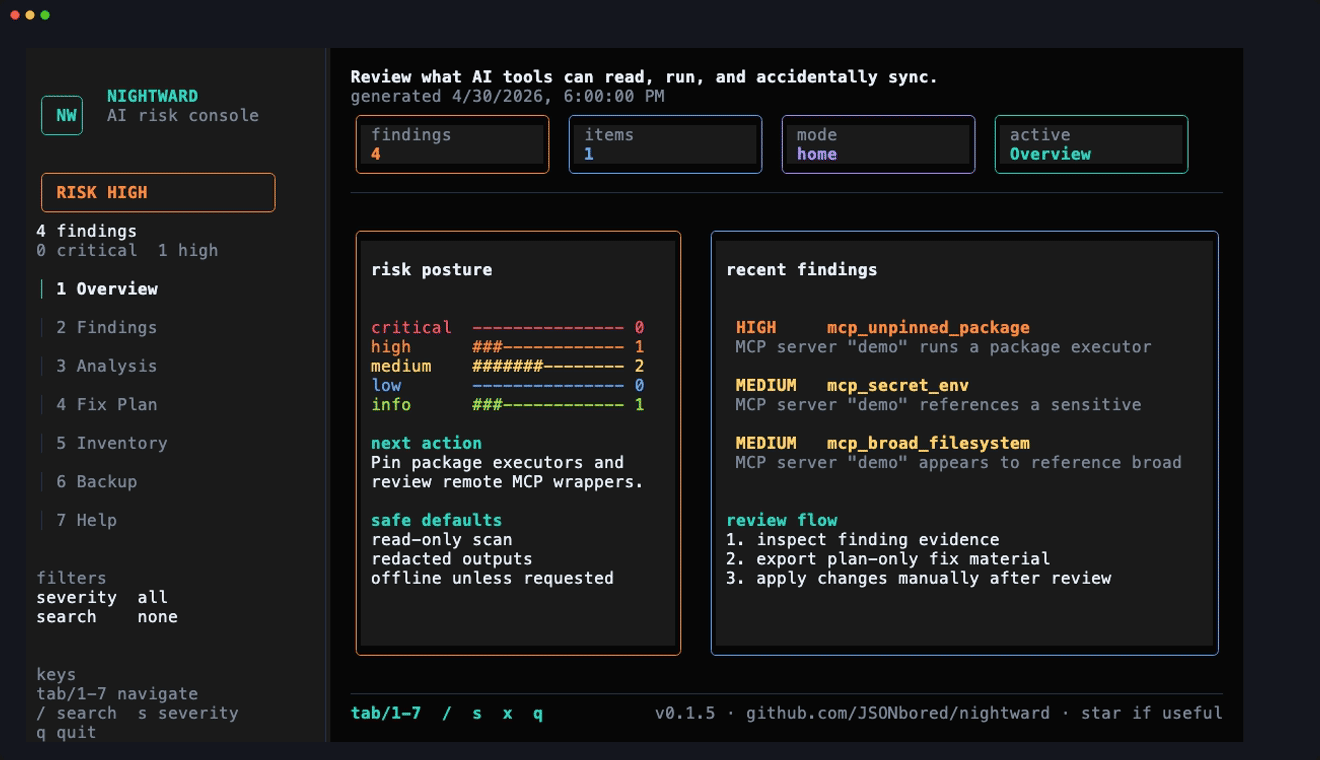
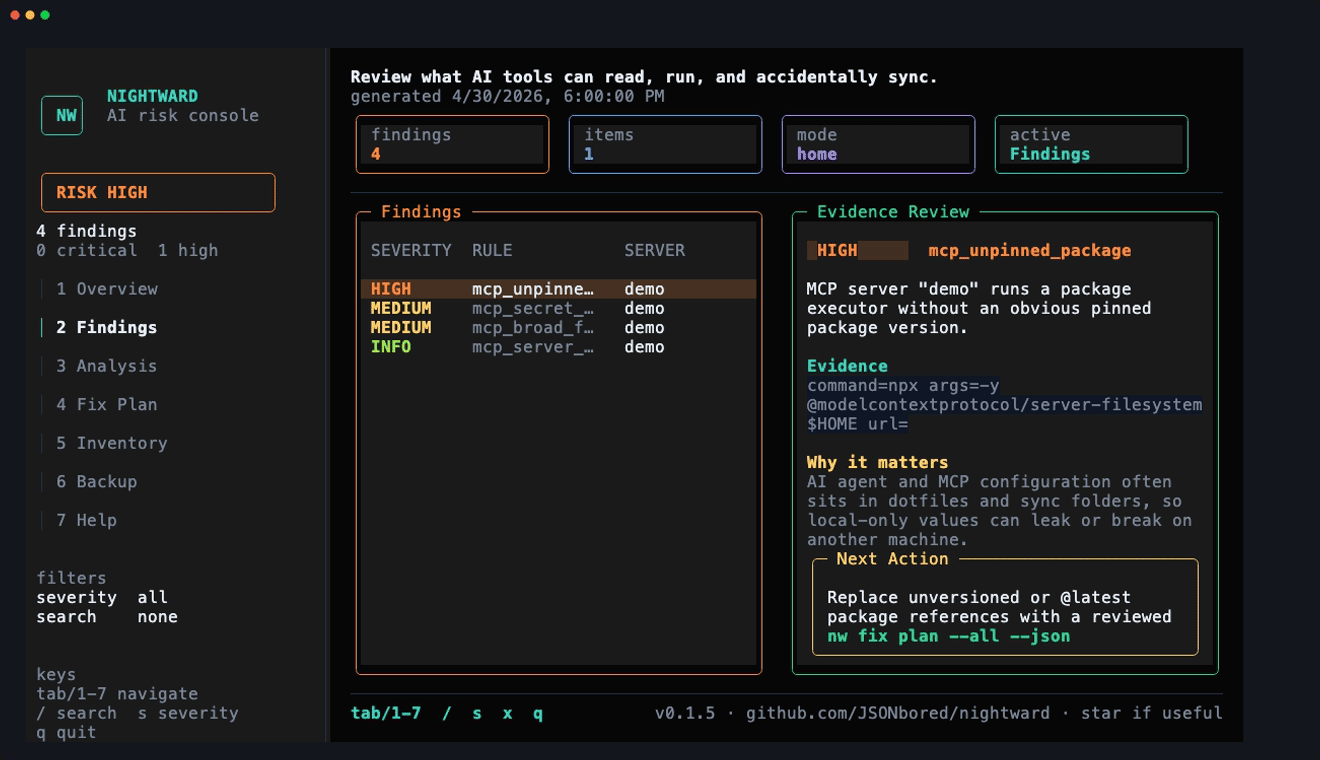
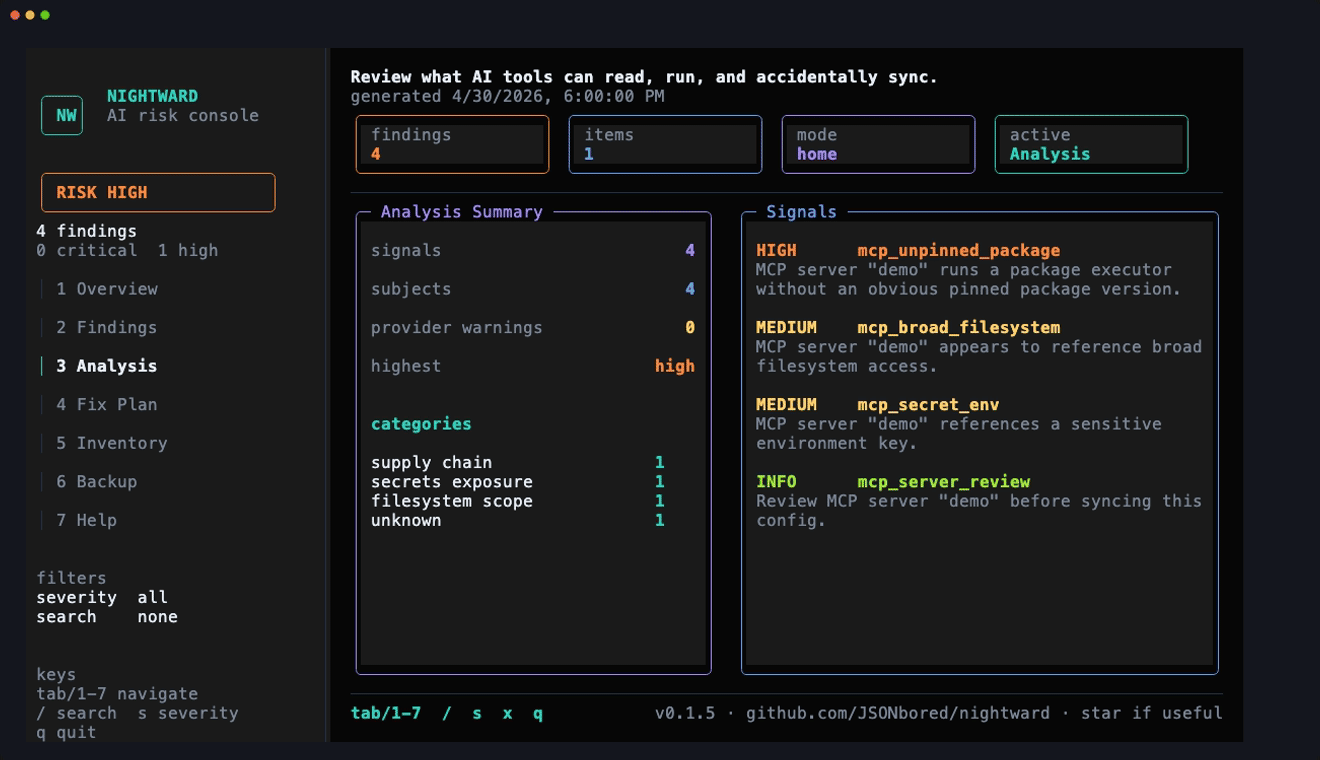
The homepage loop and gallery below are generated from `site/public/demo/nightward-sample-scan.json`, not from a live workstation scan.
Screen Gallery
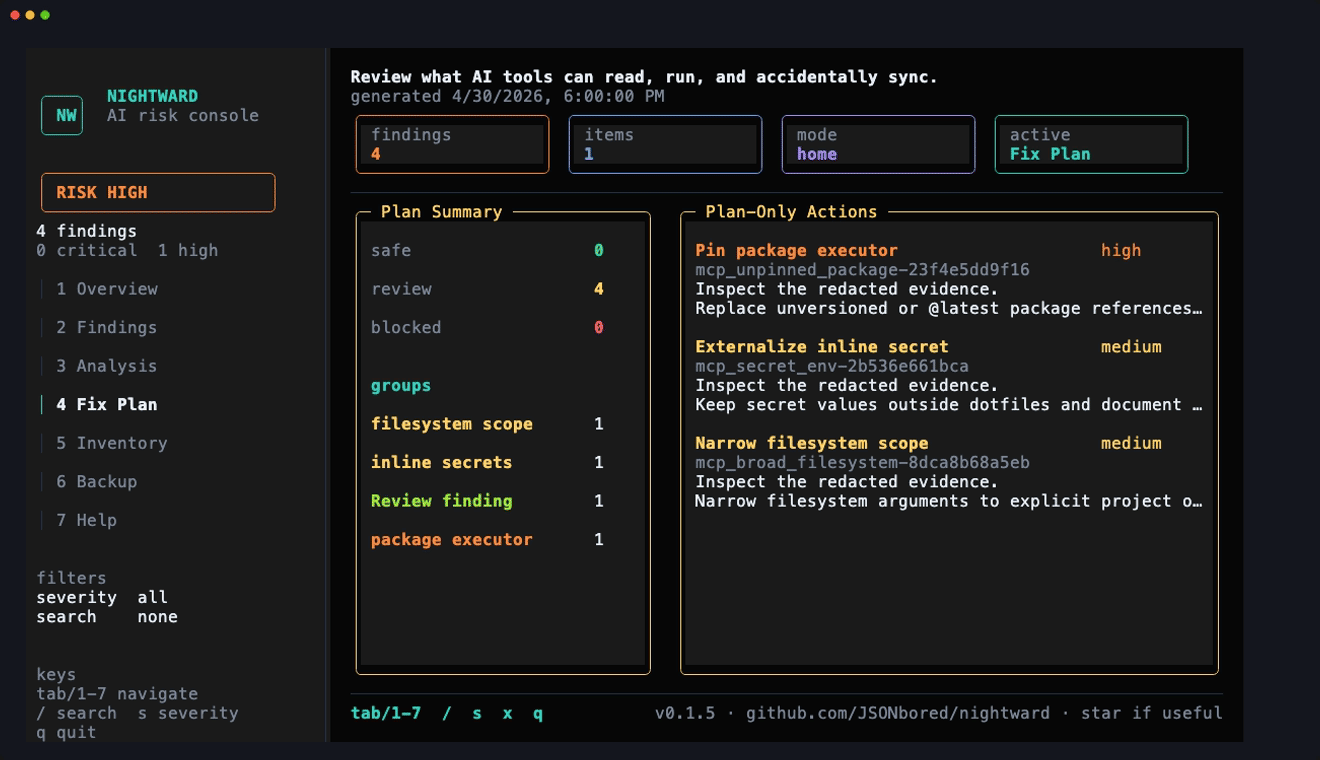
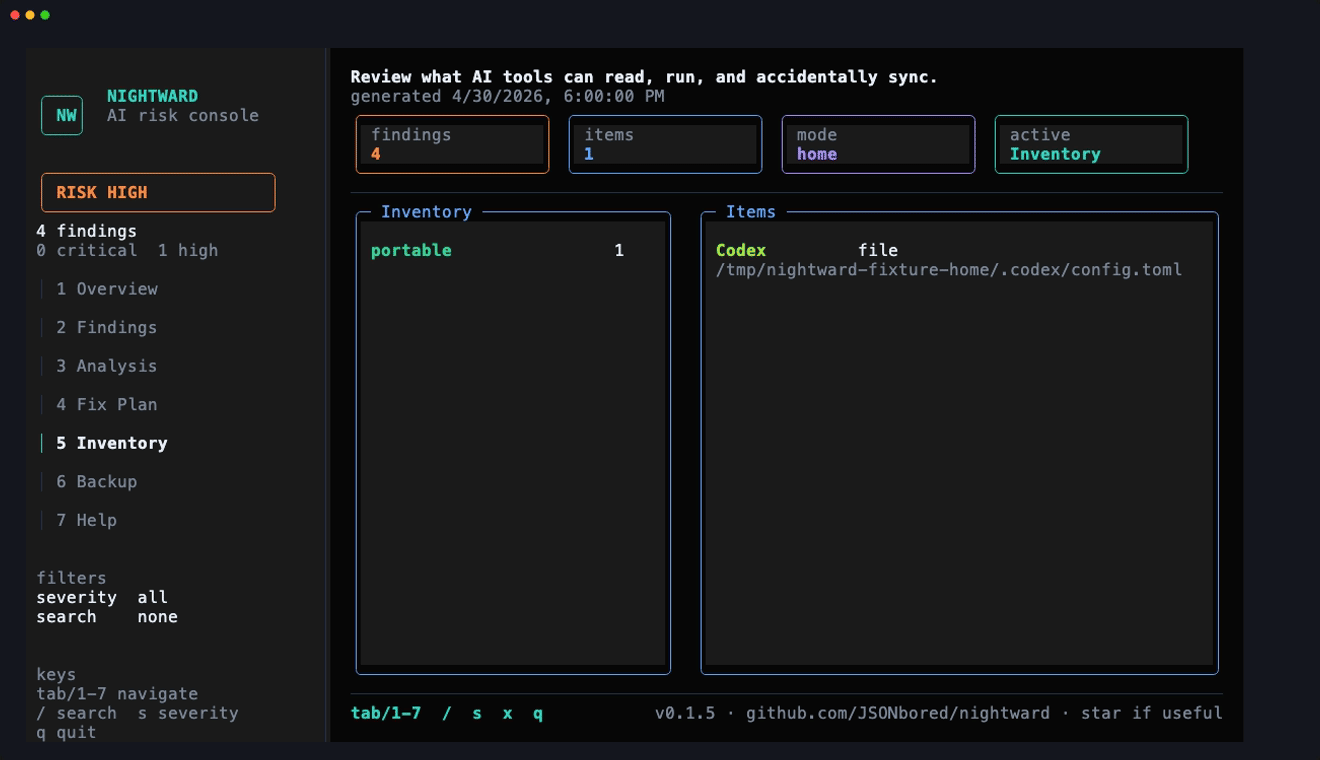
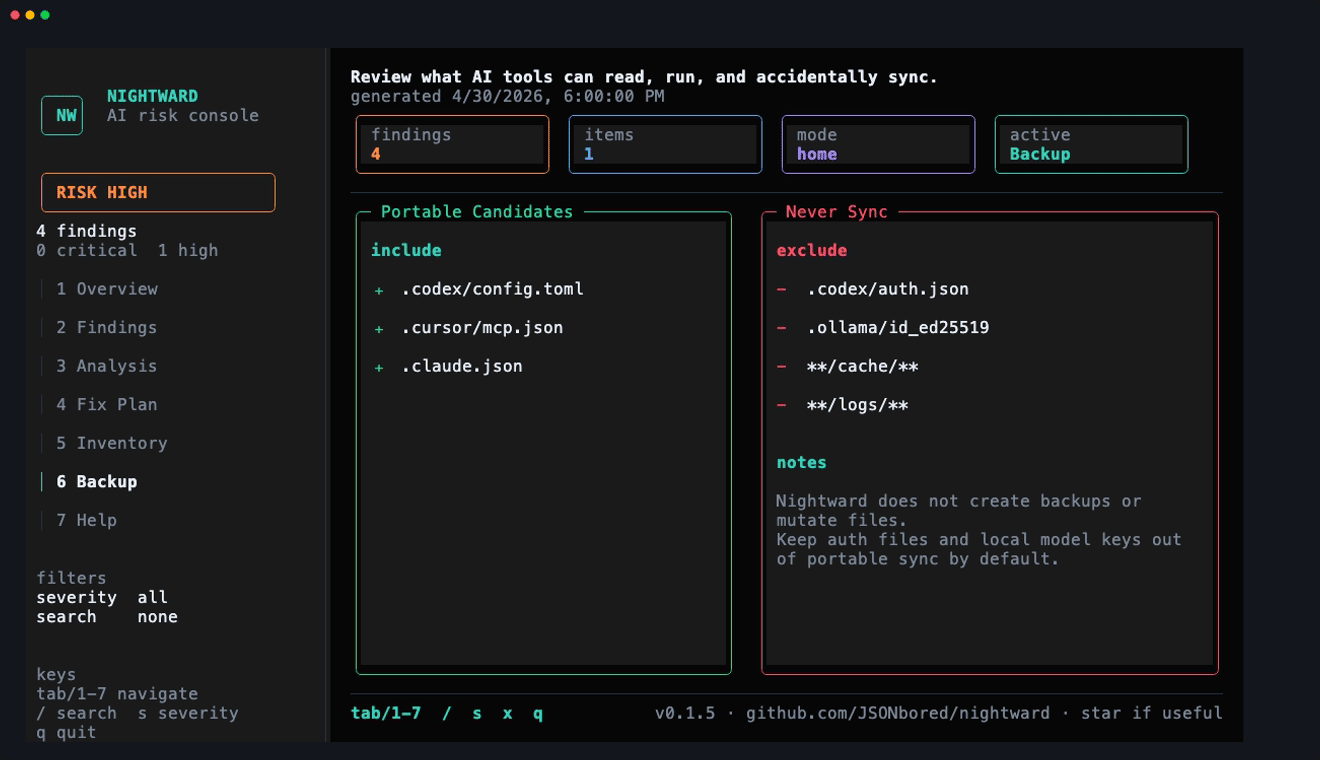
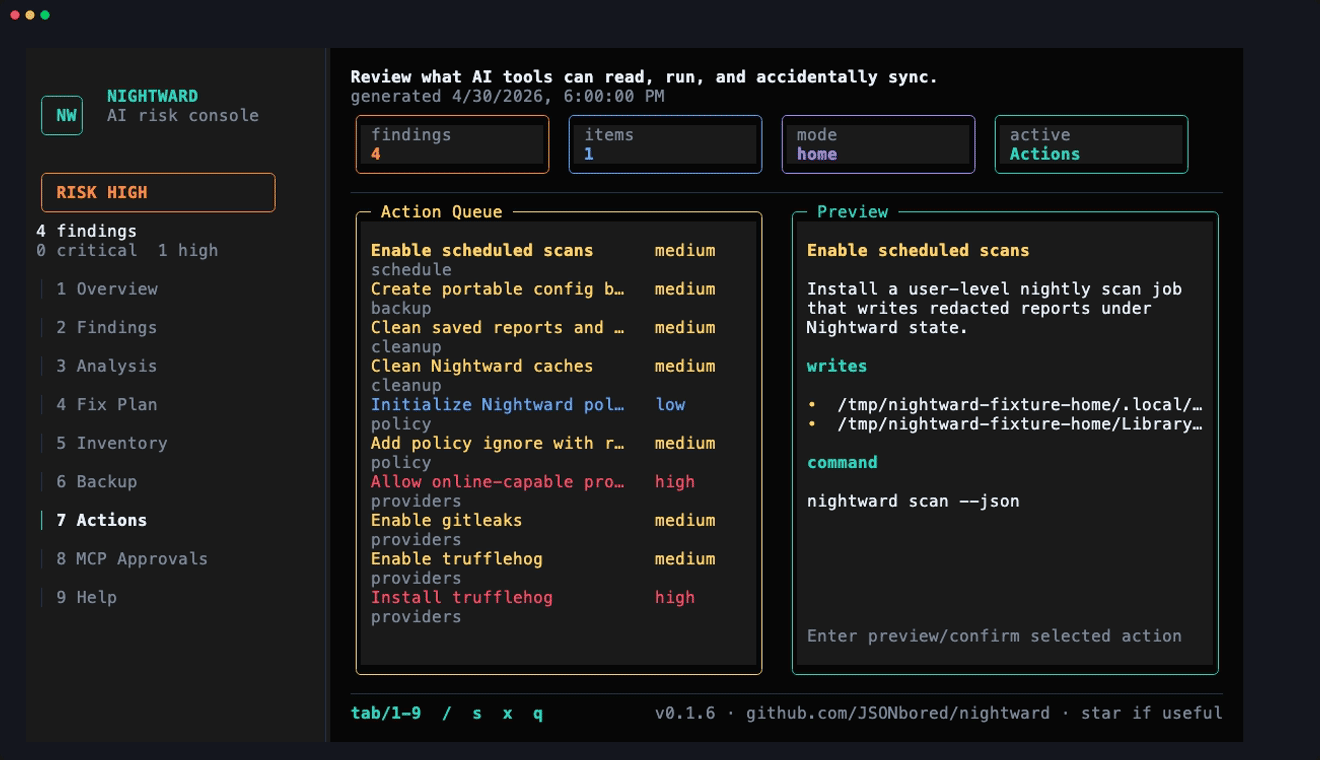
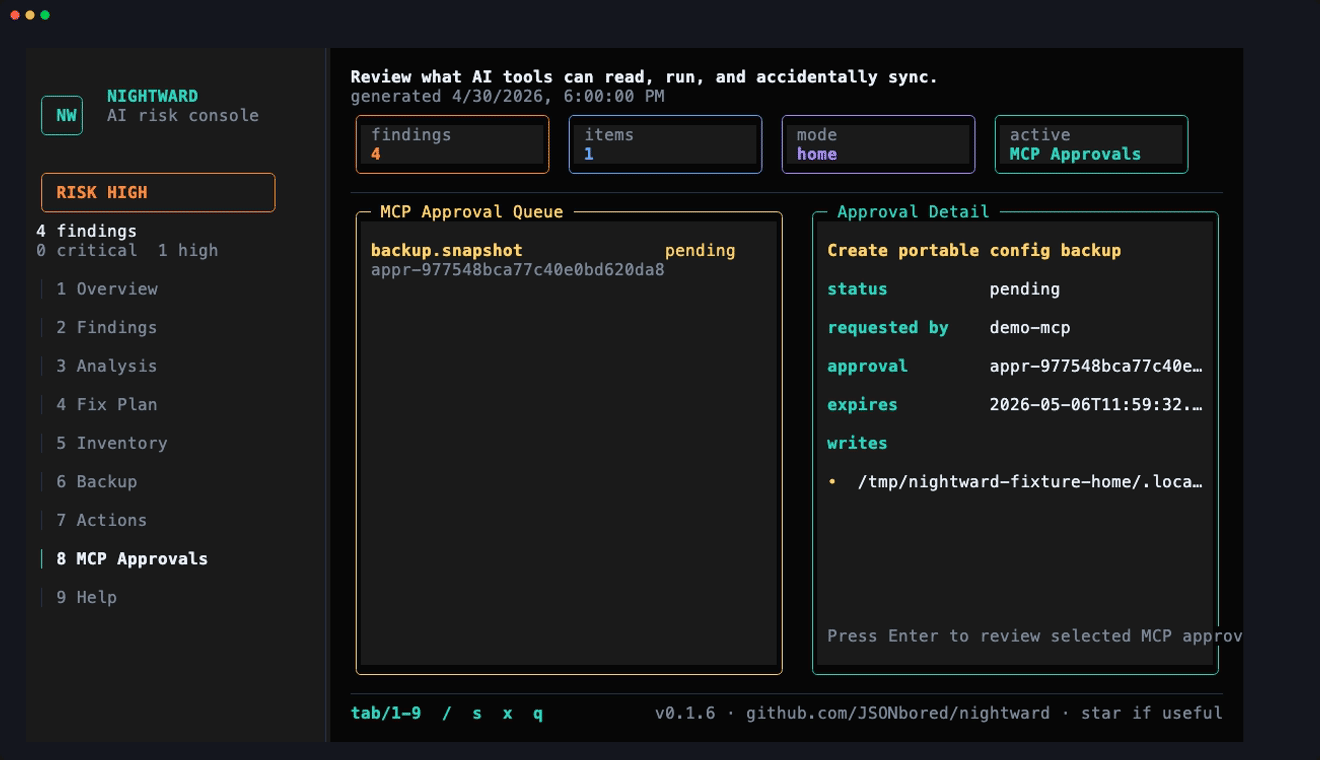
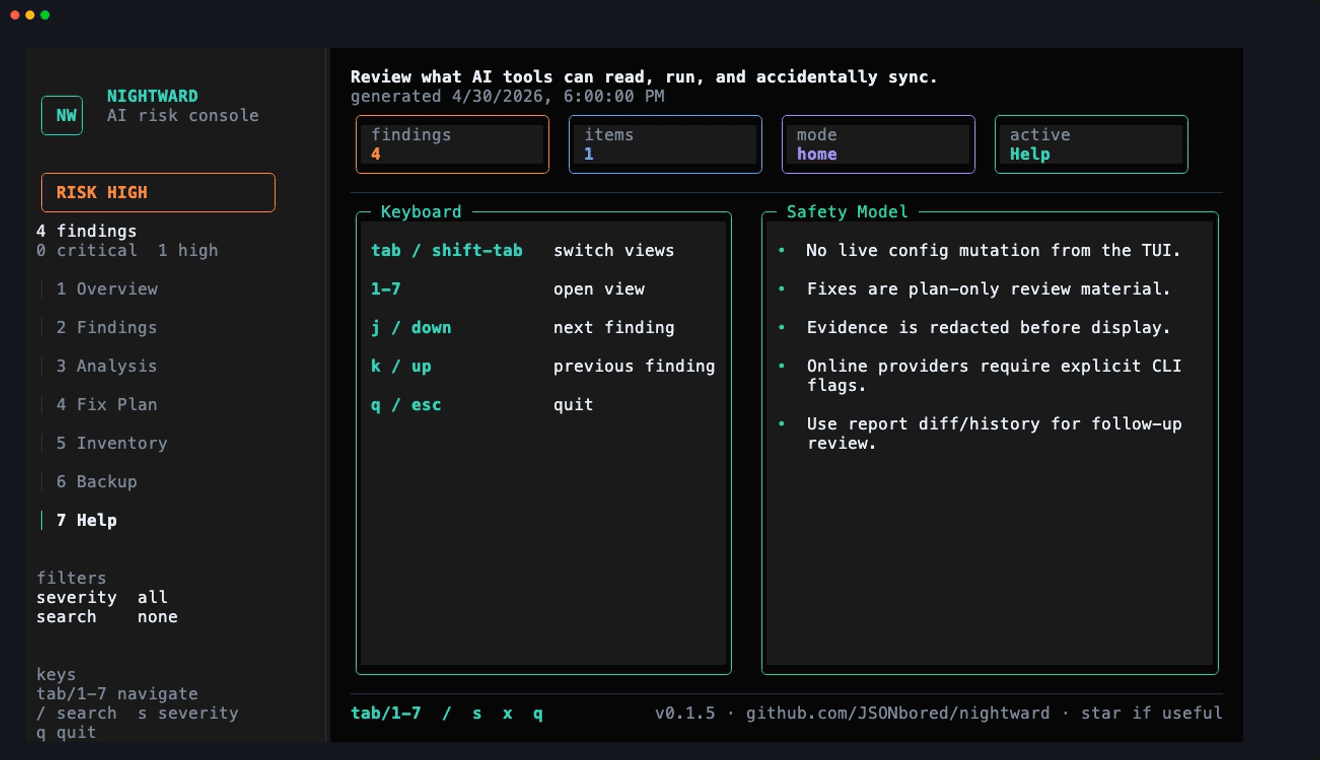
Sections
- Overview: risk posture, severity bars, recent findings, and next action.
- Findings: searchable finding list with redacted detail panes.
- Analysis: normalized offline signals and provider-warning context.
- Fix Plan: plan-only remediation groups and review steps.
- Inventory: discovered AI-tool paths by tool, classification, and risk.
- Backup: dry-run dotfiles backup choices.
- Actions: preview and confirm bounded provider, policy, schedule, backup, cleanup, and setup actions.
- MCP Approvals: approve or deny exact MCP-requested action tickets; MCP can only apply an approved ticket once.
- Help: key bindings and safety reminders.
The Rust CLI is the source of truth. The TUI uses embedded opentui_rust rendering for the colored dashboard; there is no Bun package or nightward-tui sidecar.
Shortcuts
1-9: switch sections.tab,right, orl: next section.leftorh: previous section.up,down,j, ork: move selection.enter: confirm the selected action or review the selected MCP approval.y/n: apply/cancel a pending action or approve/deny a pending MCP ticket./: search.s: cycle severity.x: clear filters.qoresc: quit.
NOTE
The TUI is read-only until the user accepts the beta responsibility disclosure and confirms a specific action. High-risk MCP edits remain review-first; bounded provider, policy, schedule, backup, cleanup, and setup actions can be applied from the Actions section. MCP-requested writes require a separate local approval in MCP Approvals before the MCP client can apply the exact ticket once.
Local Development
cargo run --bin nw
cargo run --bin nw -- tui --input site/public/demo/nightward-sample-scan.json
make demo-assets
make tui-media
Use fixture media for public docs; do not capture a real workstation. make tui-media requires vhs and ffmpeg, writes the gallery PNGs under site/public/demo/tui/, refreshes the legacy TUI PNG/GIF, and builds the homepage WebM loop.